

How to practice Iyengar Yoga Online
Discover the tricks to practice at home as if you were in the practice room.
Did you know you can follow any of our in-person classes from home?
Discover our tips for practicing online simultaneously with excellent quality.
Book a lesson
All of our in-person classes can be streamed online.
To participate online during booking, check the "I want to participate online" checkbox. You will automatically receive a link to join the class.You can book your lesson here on our booking page.
Connect to a big screen
To ensure you can watch with excellent quality, we'll give you two options for connecting your phone to the television.
Hypothesis A:
Connect your smartphone to your television via cable.
For this you will need:
1 HDMI cable,
1 adapter.
Connect the adapter to the phone and the cable to the adapter and the television.
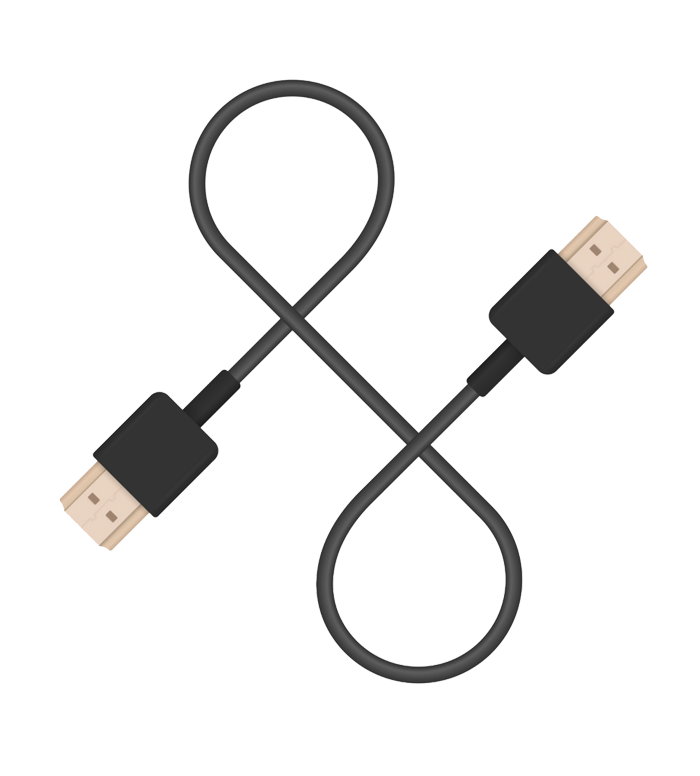
HDMI cable

Lightning-HDMI Adapter (iPhone) or USBC-C-HDMI Adapter (Android)
Hypothesis B
: Connect the smartphone to the television via Wi-Fi.
For this you will need:
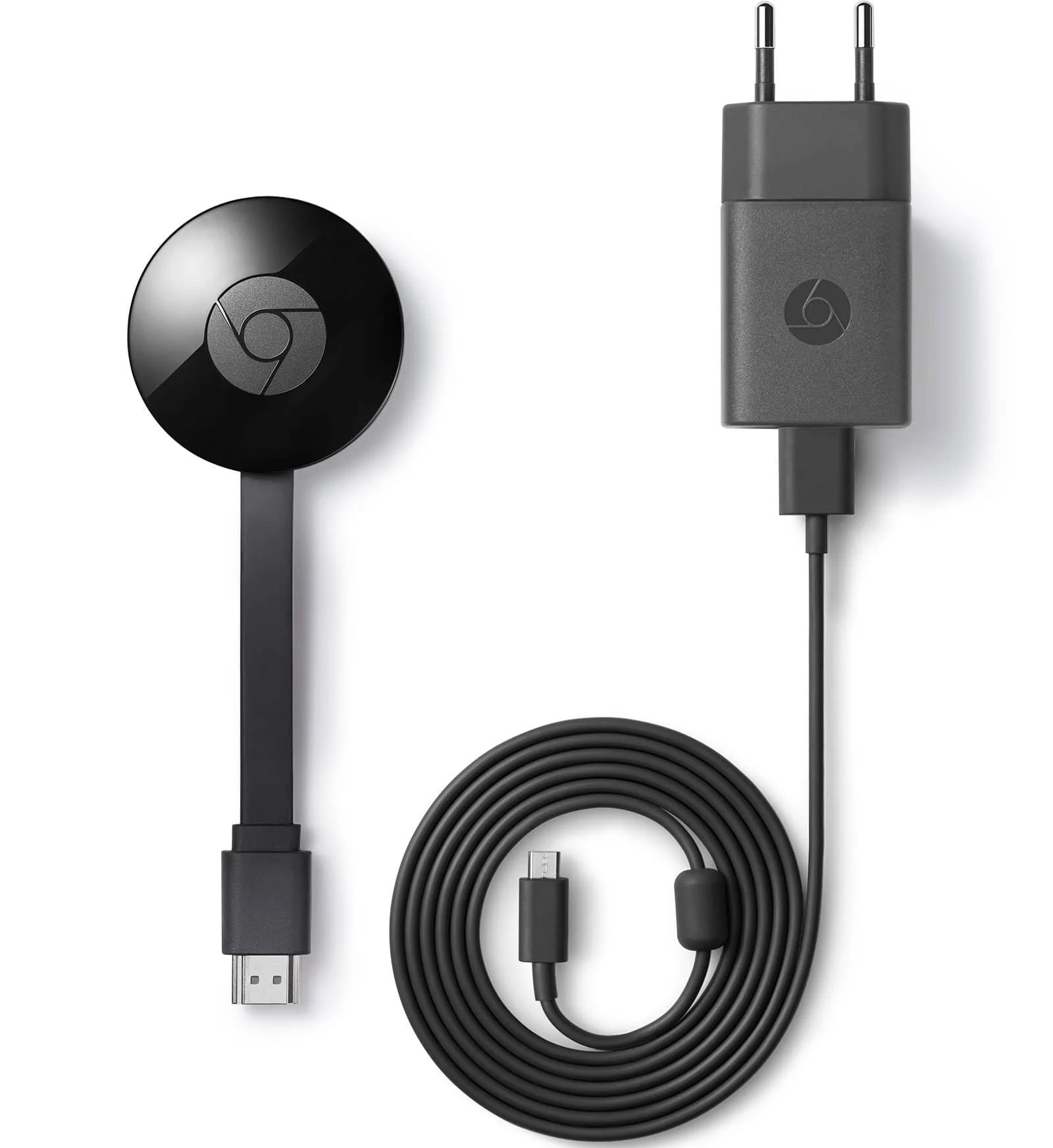
1 Smart TV or a Chromecast.
Connect your smartphone to the same Wi-Fi network as your Smart TV or Chromecast.
Android) Stream your screen content using the Google Home app.
iPhone) Download the “Streamer for Chromecast” app and tap the Screen Mirror option.

3. Use headphones or a Bluetooth speaker
To hear the instructions clearly, no matter where you are.

Start practicing online right now
Sign up for one of Om's upcoming classes and practice with us no matter where you are.